

















Guides & advice
Wireless charging, made clear.
Understand Qi, Qi2, and MagSafe, check what your devices support, and choose a charging setup that fits your day.

How does wireless charging work?
A wireless charger transfers power over a short distance between a coil in the charger and a compatible receiver in your device. Place the device in the charging position; the charger itself still needs power from a cable and an appropriate adapter, or its own battery.
Qi, Qi2, and MagSafe: what’s the difference?
| Technology | What it means | What to check |
|---|---|---|
| Qi | A widely used wireless charging standard. | Your device must support wireless charging. Center it on the charging area. |
| Qi2 | Uses magnetic attachment to help align compatible devices and chargers. | Check your exact device and case. A magnetic case alone does not add wireless charging to a phone. |
| Qi2 25W | A newer Qi2 specification that supports higher power on compatible devices. | Both the device and charger must support it. A 25W label does not mean every phone charges at 25W. |
| MagSafe | Apple’s magnetic charging and accessory system. | Check the iPhone model, charger, case, and required adapter. MagSafe compatibility and Qi2 certification are different claims. |
Learn more about the standards from the Wireless Power Consortium.
Choose your setup in three steps.
Check the exact device
Look up your phone, watch, and earbud-case models. Read the product’s Compatibility section. Apple Watch and Samsung Galaxy Watch chargers are not interchangeable.
Check the case and fit
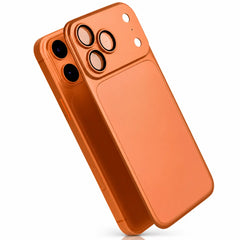
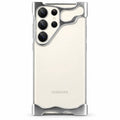
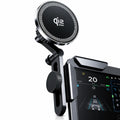
Use a suitable case for your charger. A metal back, attached wallet, or thick case may interfere. For a magnetic mount, check that your phone or case provides the required attachment.
Match the power source
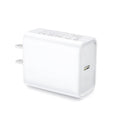
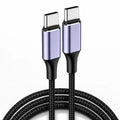
Use the adapter and cable specified on the product page. The adapter’s total wattage, supported power profile, and cable all affect the result. Check what is included before ordering.
For the desk or bedside
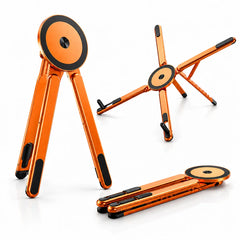
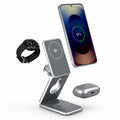
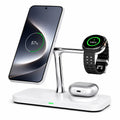
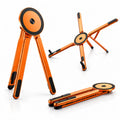
A stand keeps your phone within view. If you charge several devices, choose a station with a dedicated, compatible charging area for each one.
For travel and days out
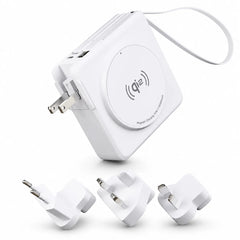
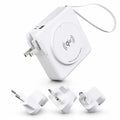
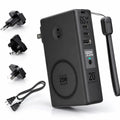
A folding charger can pack more easily, while a power bank provides stored power away from an outlet. Check capacity, device compatibility, and the charging inputs you’ll need.
A few helpful answers
Will any wireless charger work with my phone?
No. The phone must support wireless charging, and the charger must support a compatible standard. Magnetic attachment, charging speed, and watch or earbud support must each be checked separately.
Does adding a MagSafe case make every phone MagSafe compatible?
A suitable magnetic case can help a compatible phone attach to a charger. It does not add a wireless charging receiver or guarantee a particular charging speed.
Can I charge an iPhone and a Samsung phone on the same charger?
Some chargers support both, but charging speeds and magnetic attachment can differ. Use the product’s model-specific compatibility information, rather than assuming every phone works the same way.
Why is my phone charging more slowly than the advertised maximum?
Peak power depends on the phone, charger, adapter, case, alignment, battery level, temperature, and use during charging. The advertised maximum is not a constant charging rate.
Does wireless charging make my phone warm?
Some warmth is normal during charging. Keep the charger uncovered and follow the device and charger instructions. A phone may reduce charging speed when it gets warm. See Apple’s MagSafe guidance for supported iPhone setups.
Should I remove cards and metal objects before charging?
Keep cards, keys, coins, and other loose objects out of the space between the phone and charger. Remove an attached wallet or unsuitable case and follow the charger’s instructions.
Is a power adapter included?
We do not include an adapter as standard. Check “What’s included” and the power requirements on the exact product page. You may be able to reuse an adapter you already own if it meets those requirements.
Need help finding the right charger?
Tell us your exact device models and the case you use. We can help you compare the options.